Table of Contents
Pretty Jupyter automatically generates Table of Contents for the page. The table of contents looks as below:
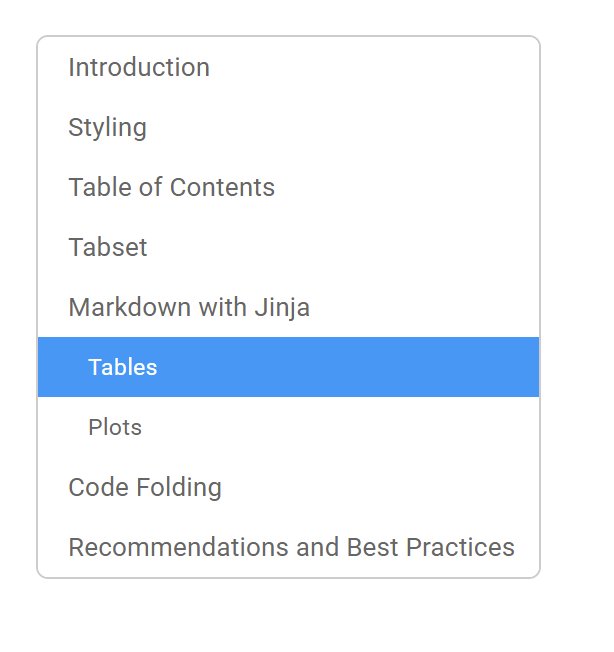
Figure: Table of Contents
Each header from the notebook is automatically added to the Table of Contents.
We can prevent a header from being added to the Table of Contents by adding classes unlisted and unnumbered.
We can do it like this in Markdown:
##
[//]: # (-.- .unlisted .unnumbered)
Note
In the code-block above, there is a space after the last #. If we didn’t add it, the name wouldn’t be empty. Instead, its name would be “#”.
To turn off Table of Contents functionality completely, we need to add the following property to the notebook-level metadata: toc: false.
Examples
Check out more examples in our example repository. Specifically, the TOC are demonstrated in the following example:
main-features-demo: Shows, how Table of Contents was generated.